


Fitness & Nutrition Coaching App Walkthrough
Four Pillar Fitness uses Kahunas as our full-featured coaching app for both in-person and online clients. Below is a quick walkthrough showing exactly where to go and what to do, with screenshots of the key areas you'll use most.
Client Dashboard
Once you receive your app invitation, register the app, and complete the initial "Welcome Questionnaire", you'll be taken to the dashboard.
1. Tap the checkmarks at the top to complete daily check-ins
2. Tap "Submit a check-in" to Submit Weekly Check-ins
3. Use the icons at the bottom to Navigate pages
Tap the message icon at the top right to chat with Coach
Workout Page
The Workout page is where you access and log your workouts, see your program overview, and add new exercises to your program from a library of hundreds of exercises.
4. Tap "Workout" at the bottom of the page to access your workout program
5. Slide and tap the various workouts coach has created for you
Nutrition Page
The Nutrition page is where you see the nutrition macros Coach has prepared for you, and where you log food and meals. Macros will be different for strength training, cardio, and rest days.
6. Tap "Nutrition" at the bottom of the page to access your nutrition macros
7. Tap above the chart to select training or rest days
Nutrition Page (cont…)
The Nutrition page is where you see the nutrition macros Coach has prepared for you, and where you log food and meals. Macros will be different for strength training, cardio, and rest days.
8. Add Meals, Scan Foods, and Copy foods or meals from Previous days. View nutrition plan overview using icon at the top of the page.
Calendar Page
The Calendar page is where you'll see your logged workouts, and any appointments or in-person training dates with Coach.
9. Tap on a calendar date to see the appointment or logged workout. Tap the appointment or logged workout below to view its details.
‘More’ Menu Page
Use the "More ..." button to access your account information, supplement links, content library, and... more!
10. Tap "... more" to access your Account Info, Supplement links, and the Content Library
Supplements Page
The Supplements page lists all of Coach's recommended supplements, and brands. The links on the right take you straight to the product on Amazon.
11. Tap the links on the right of the supplement names to access Coach's product recommendations directly on Amazon
Content Library
The Content Library contains helpful guides to assist you on your health, fitness, and nutrition journey. Coach will continue to add useful information here.
Tap the PDF icons to open, download, and share Coach's useful health and fitness guides
In this video demonstration we cover all of the main features & functionality of the Kahunas client app and how you can get the most out of your coaching experience.

Visit the 4P Fitness PRO Shop
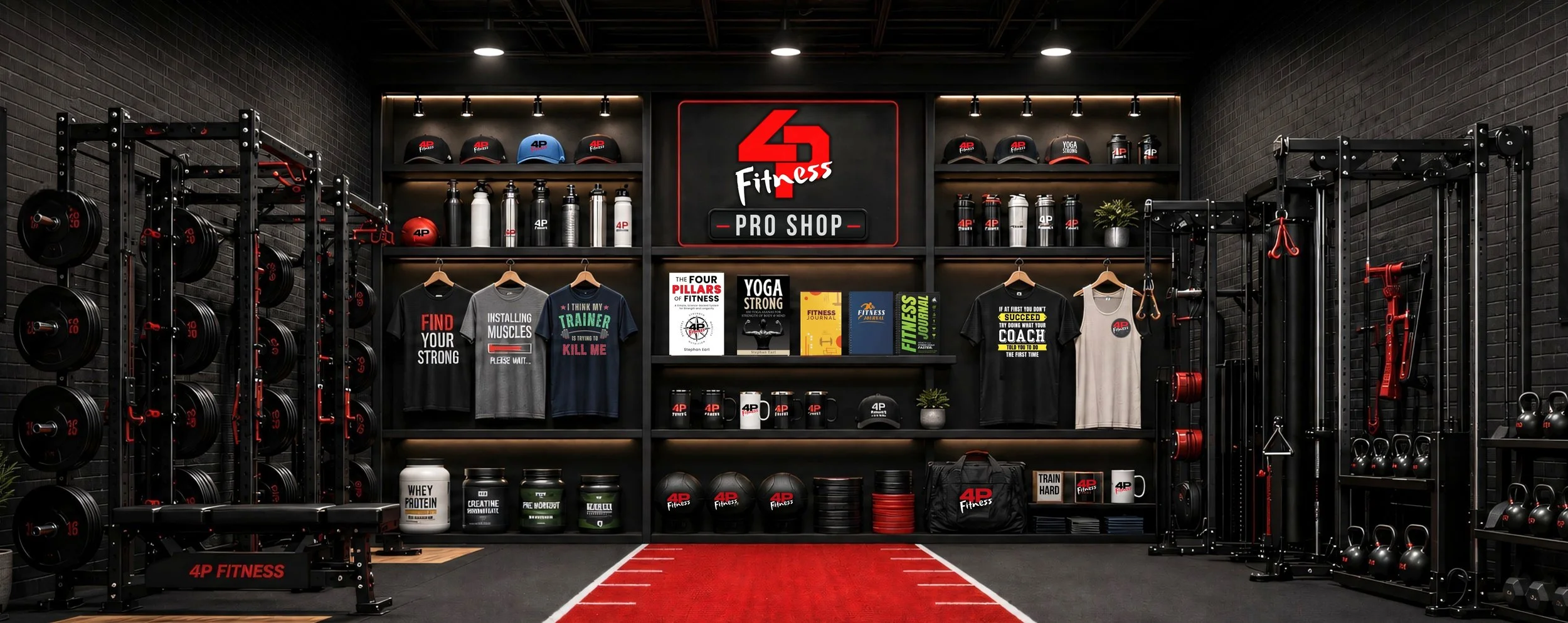
Gear up with fitness-inspired apparel, drinkware, journals, instant downloads, and a little gym and coach humor for the people who train hard, recover smart, and still know how to laugh between sets.
Shop the 4P Fitness Pro Shop and find something that fits your fitness life.